A desktop tool for designers, playtesters, and home publishers who need their custom cards to print at the exact size — every time. Color correction, multiple layouts, front and back. Everything runs locally on your machine.
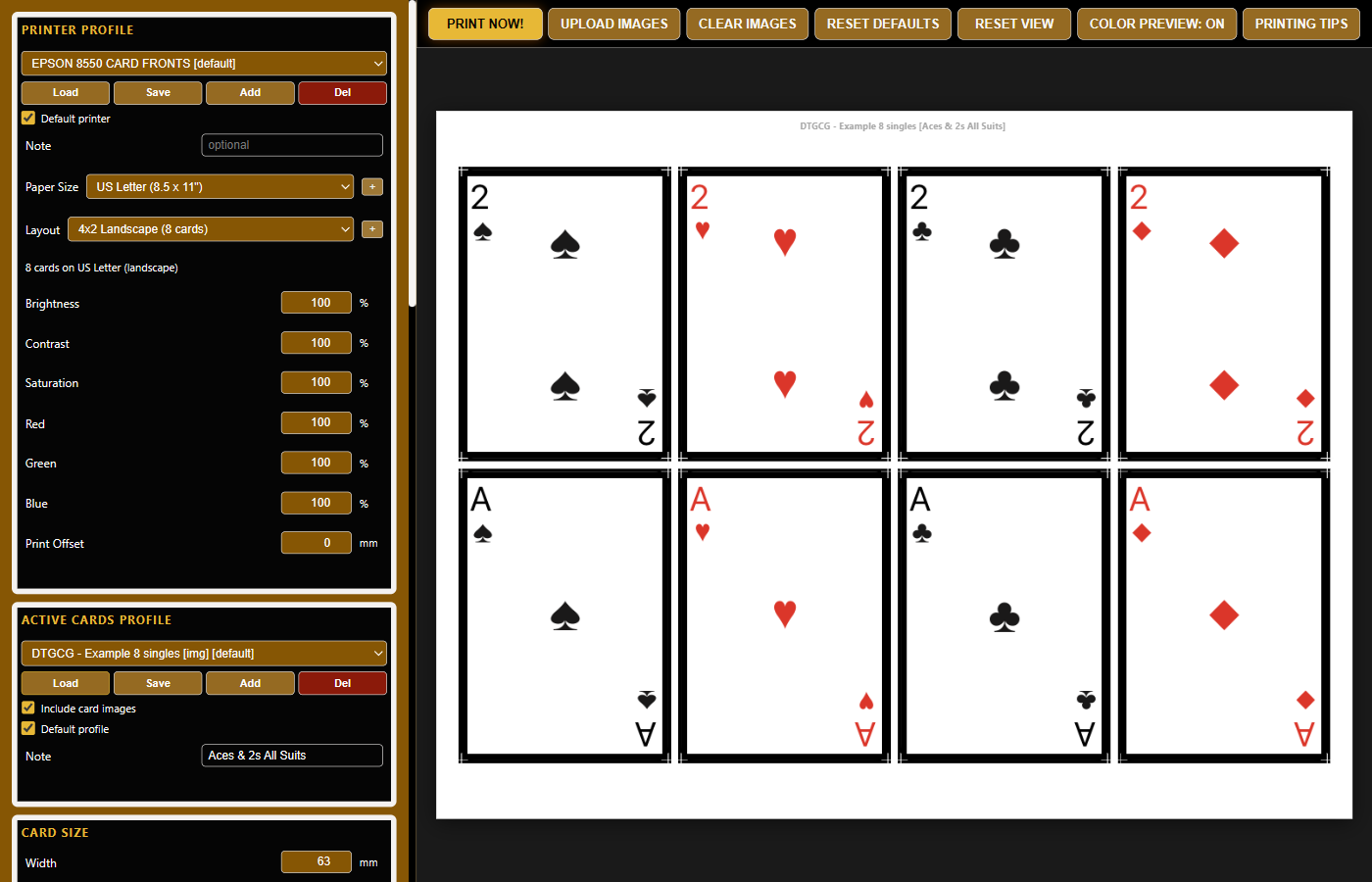
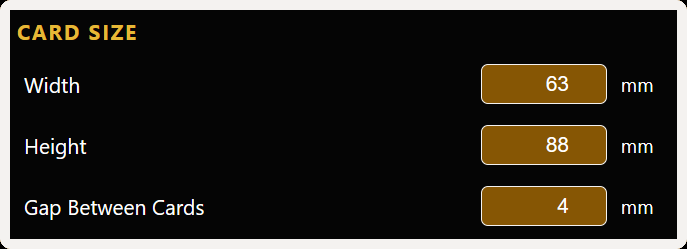
Default 63 × 88 mm (standard playing card), fully adjustable to any size. Nudge width or height in 0.1 mm increments to compensate for your specific printer's quirks — sub-millimeter control no other app gives you.
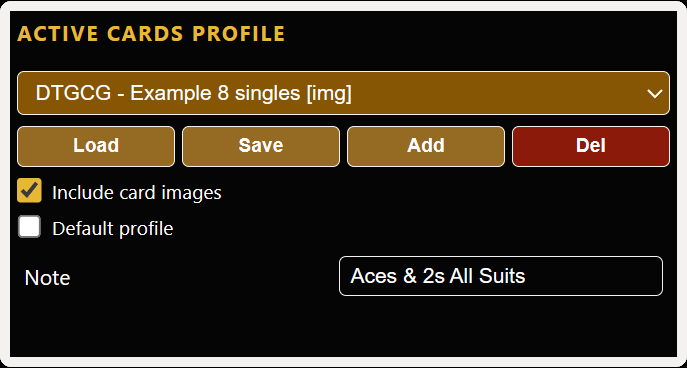
Every project holds a whole deck. Add one active card profile for your card backs, then stack as many more as you need for the fronts. Each profile fills one layout sheet — 8 cards in the default 4×2, more in larger templates, or whatever your custom layout holds. Save the project, reopen it tomorrow, every card sits exactly where you left it. Build out a whole game's worth of decks side-by-side in draggable tabs.
US Letter, Legal, A4 — plus custom paper sizes you define yourself. Stock 4×2, 3×3, 5×2, 3×3+2, 3×2 and 7×4 grids cover the common cases; build your own with any rows, columns, and card dimensions — the sky's the limit.
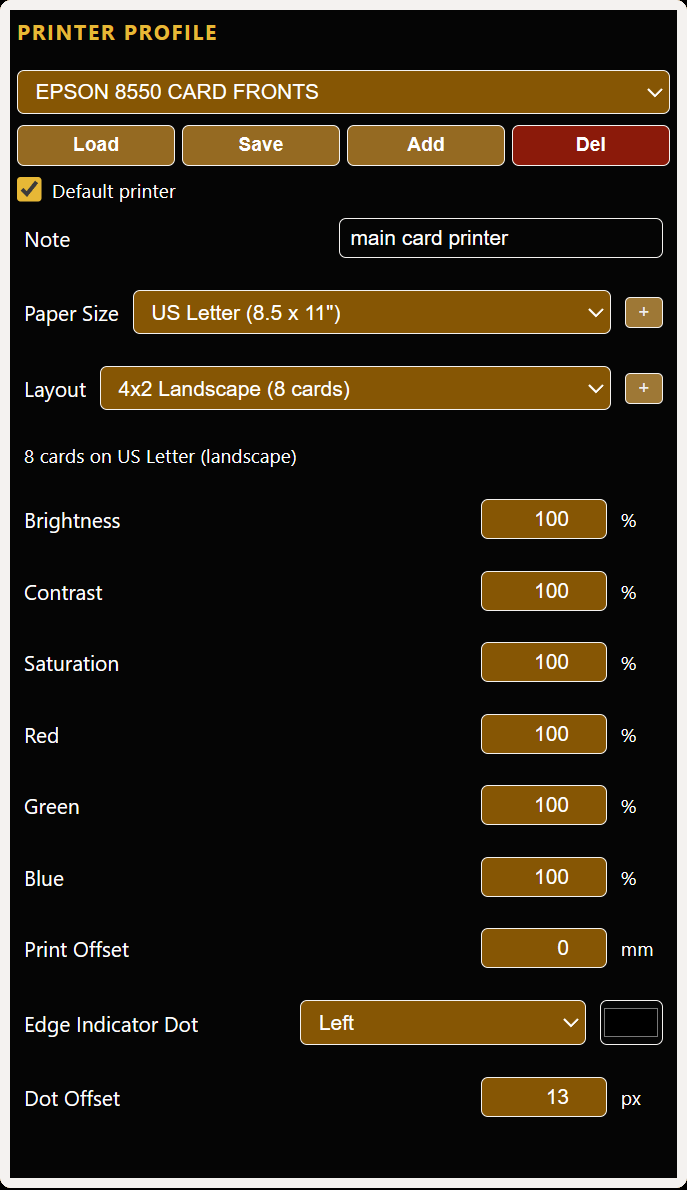
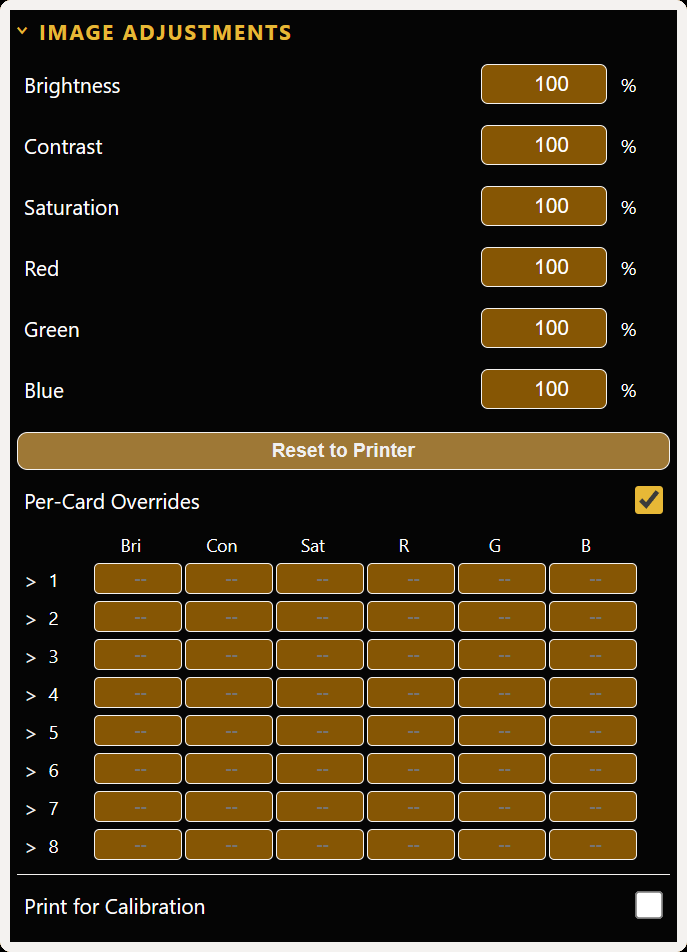
Adjust Brightness, Contrast, Saturation, and individual RGB channels at three levels — Printer Profile, Project, and Per-card. Dial in your exact paper + ink combo.
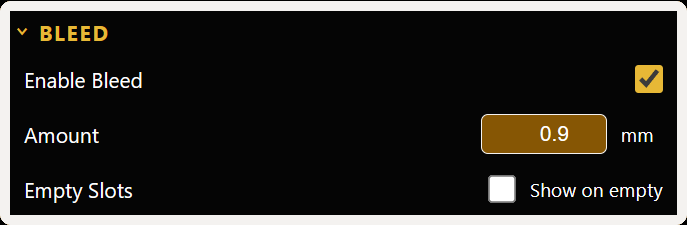
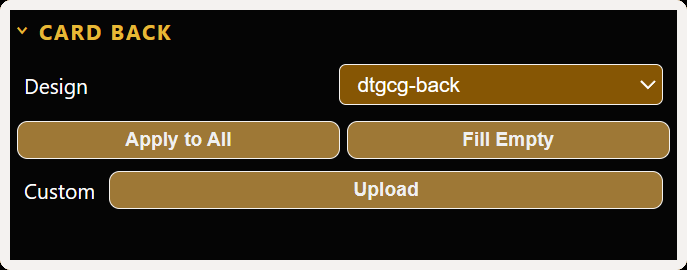
Print card backs aligned to fronts with long-edge or short-edge flip modes. Horizontal print offset compensates for your printer's mechanical tracking when sheets flip — backs land where you want them. An optional leading-edge indicator dot prints in the margin so you always know which edge to re-insert first — even days later when you come back to finish the backs. Per-card back image with apply-to-all and fill-empty helpers, plus extra bleed in the border color so small printer drift or cutter slips disappear into the frame.
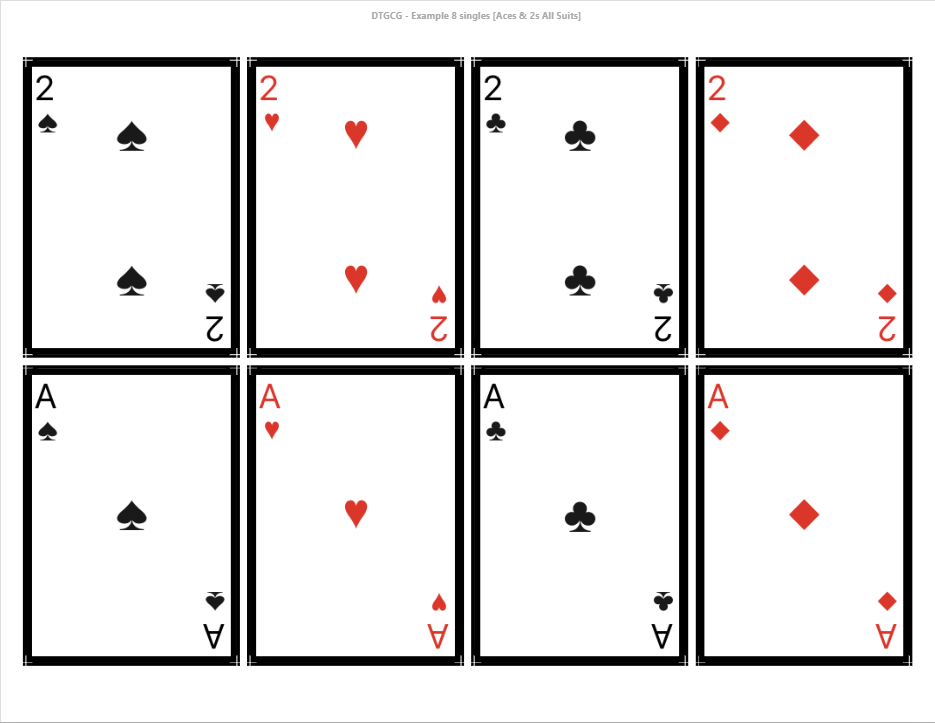
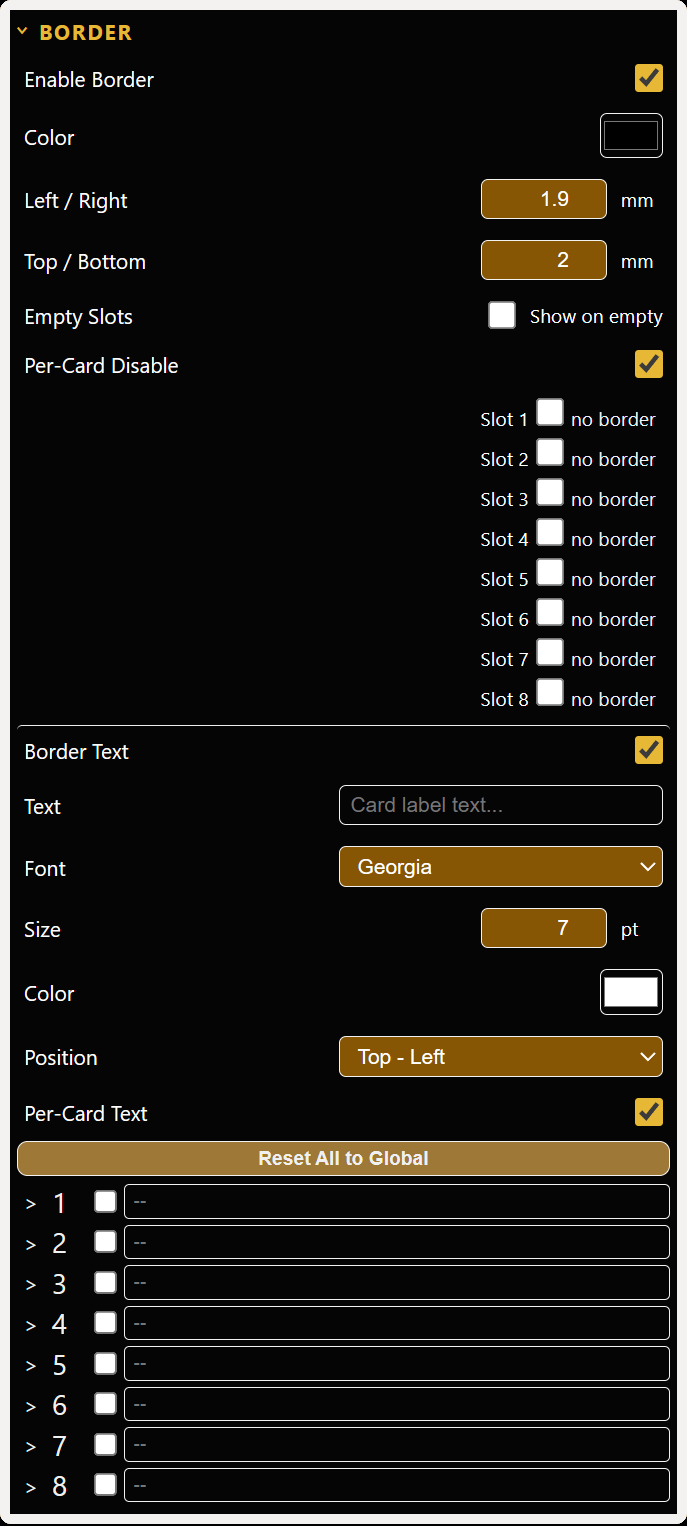
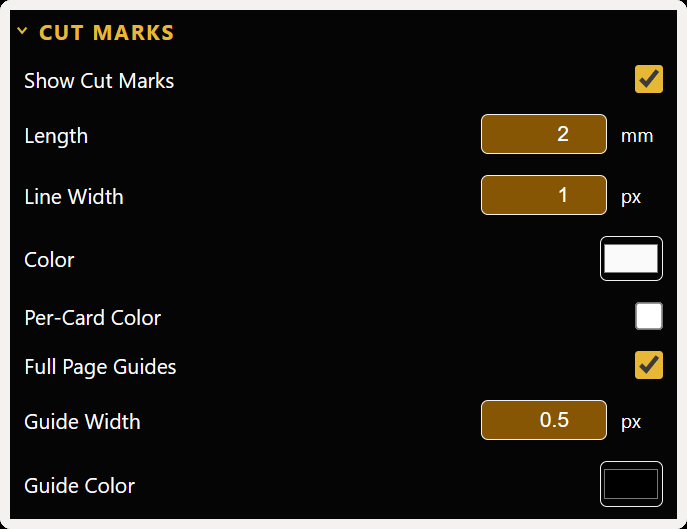
Adjustable border width and color, bleed for edge-to-edge prints, and cut marks with configurable line width and per-card colors so trimming is foolproof. Optional full-page guide lines extend the cut marks across the full sheet for even faster, more accurate straight cuts. Add your own custom text in the border — credits, set numbers, copyright, edition labels — in the font, size, color, and position you choose.
Save color settings per machine + paper + ink combo. Default profile auto-loads on startup; swap profiles in seconds when you change printers, paper stock, or ink. Back up and restore your full app library on demand — profiles plus card images — for redundancy, or to move everything to a new PC without losing a thing.
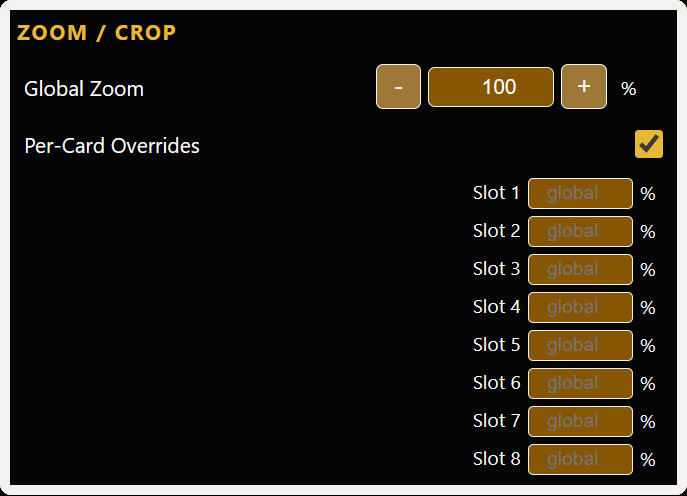
Drop images onto card slots. Right-click drag to reorder. Per-card zoom with arrow-key nudge. Copy and paste settings between cards. Save and open .dtgcg project files — active tab restored on open.
Click any shot to enlarge.
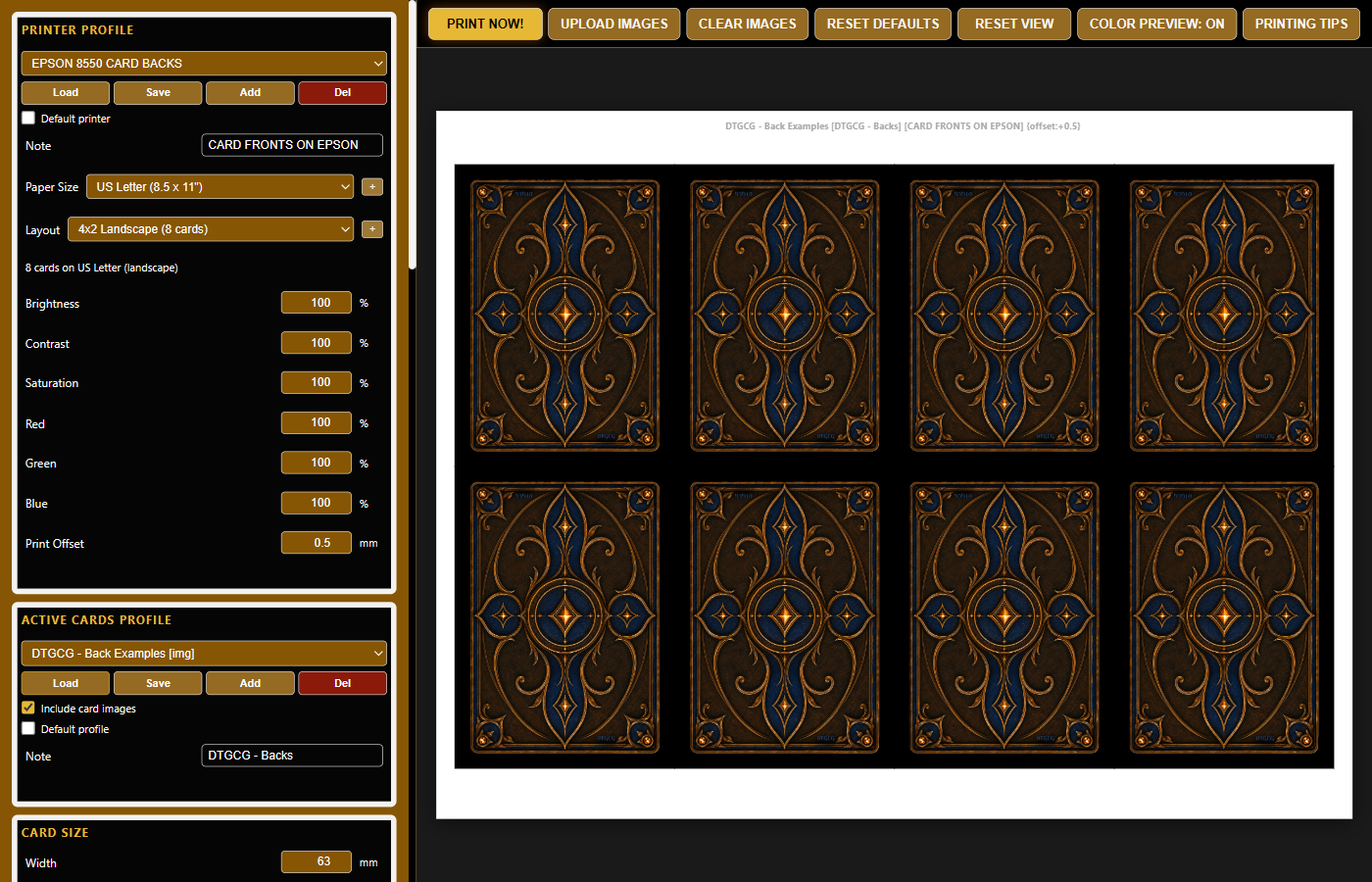
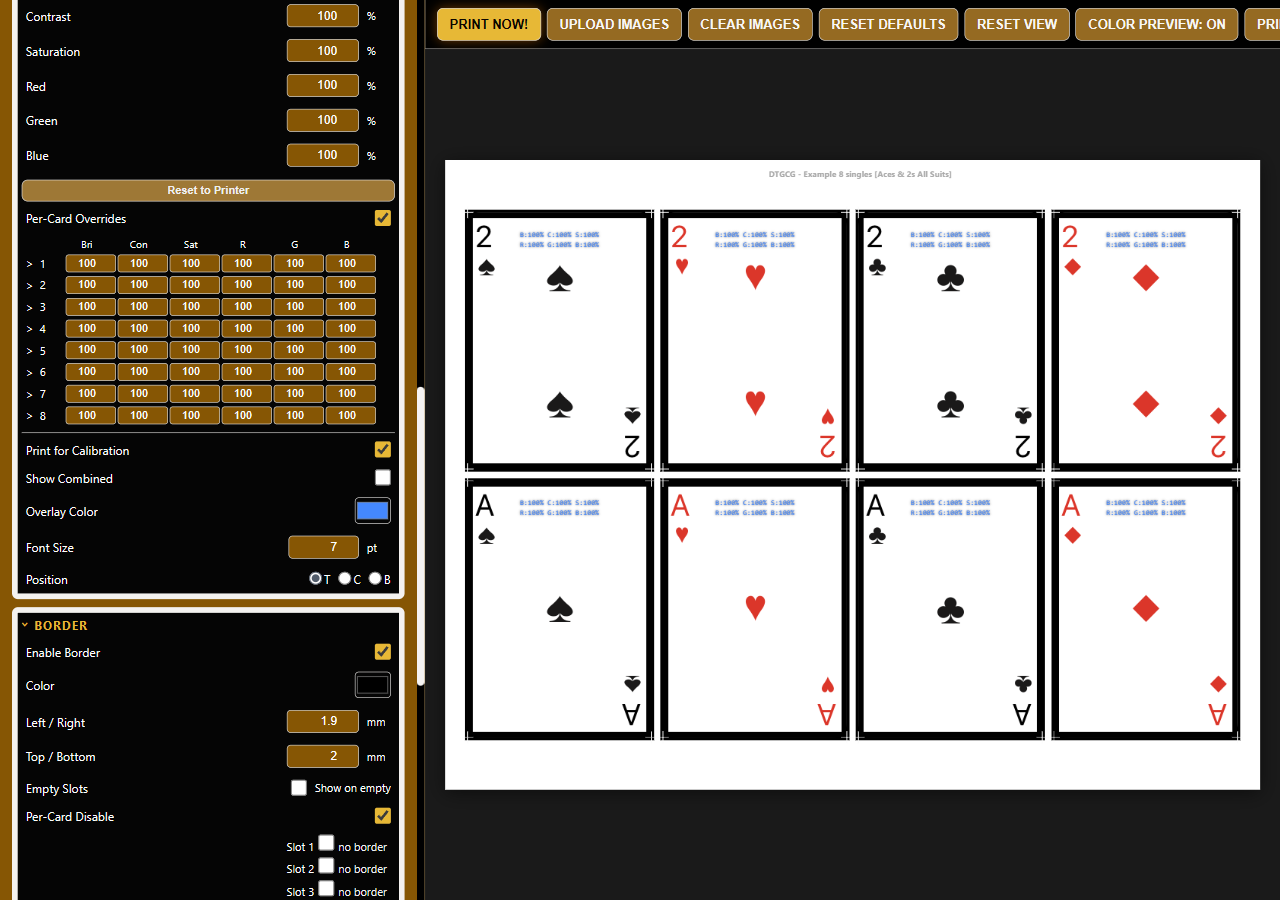
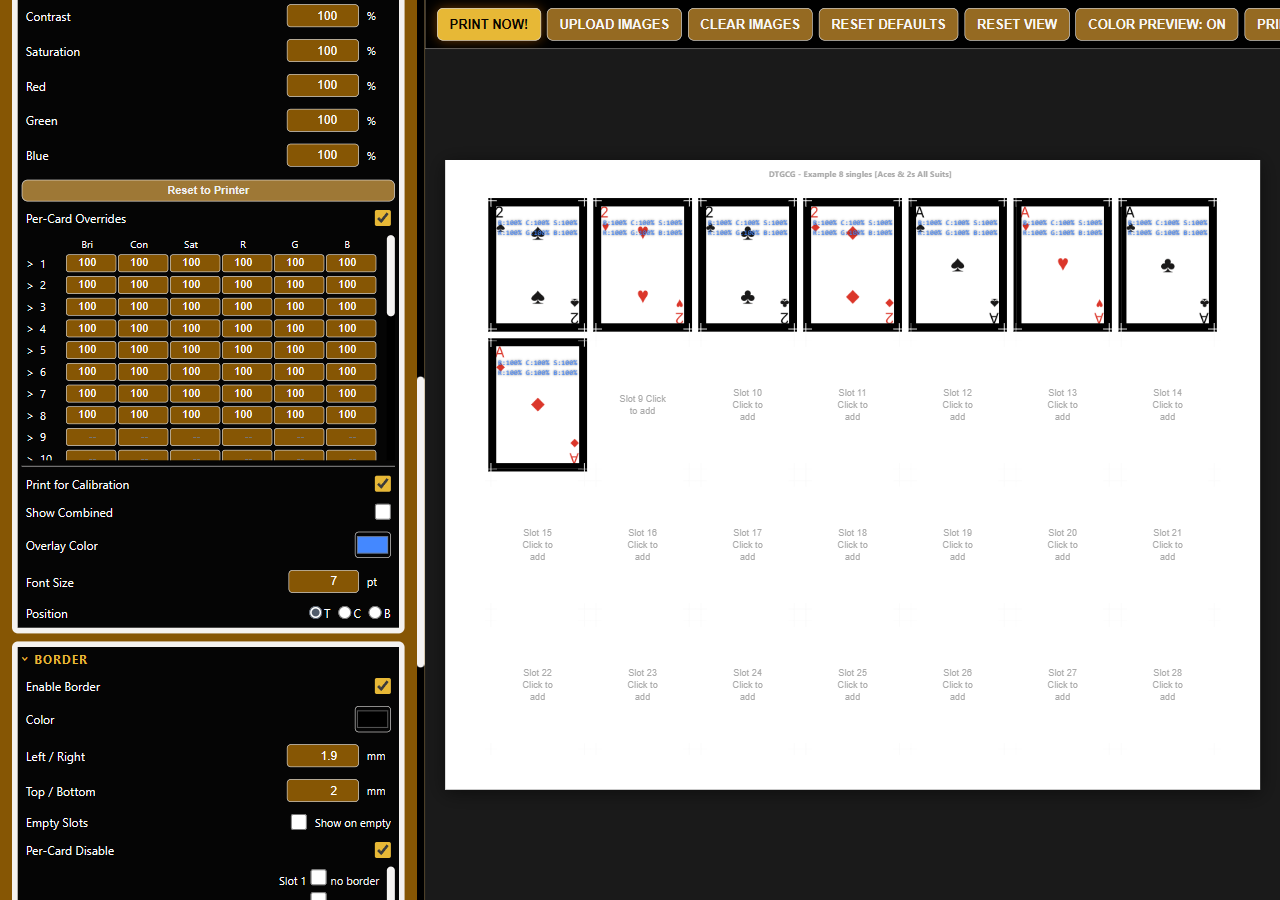
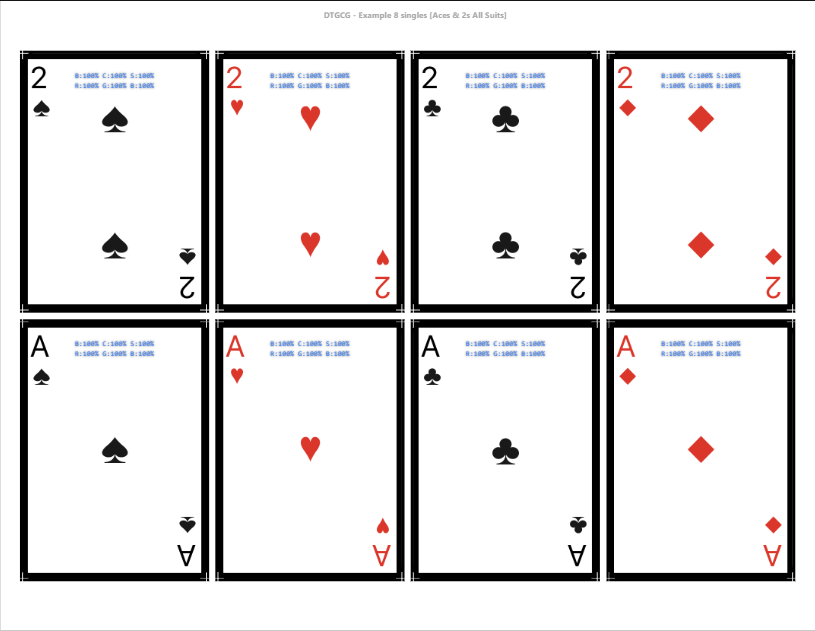
Each settings panel, fully expanded. Scroll to see what's inside.
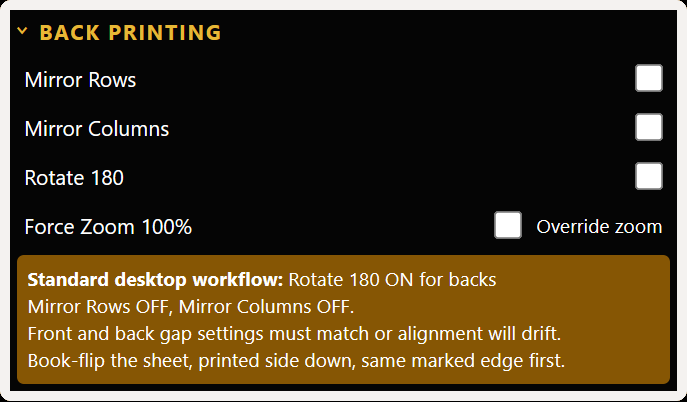
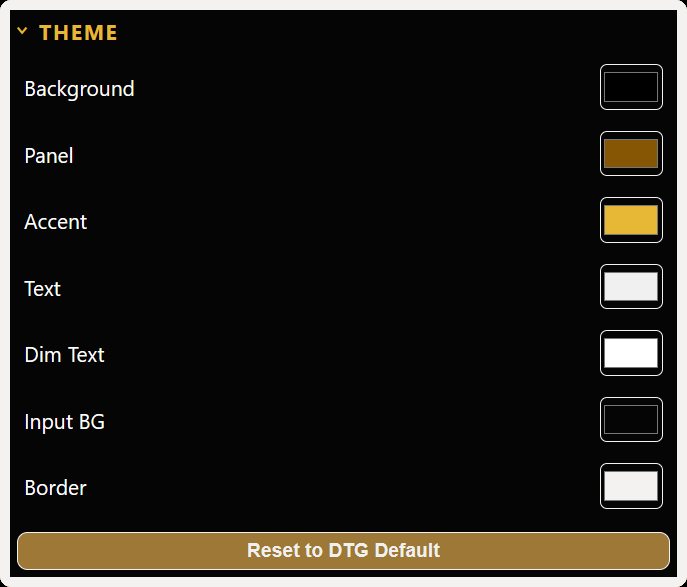
Honest take on the three ways people print their own cards. PDF templates can work — but they cost real time, paper, and patience.
| DTG:CG | Online Print Service | Word / PDF DIY | |
|---|---|---|---|
| The personal angle | |||
| Cost per print run | $9.99 once, then just paper & ink | $20–$50 per order, every time | $0–$10 once for a template(s), then just paper & ink |
| Speed from idea to printed card | Minutes | 1–2 weeks shipping | Slow start — every new size or printer means re-tuning |
| What you need on your PC | A lightweight standalone app — opens in seconds | A web browser — no install | Adobe Acrobat or similar (1 GB+ install, slow startup, bundled extras) |
| Card images stay private | Local only, never uploaded | Uploaded to their servers | Local |
| Print whatever you want | Anything — your printer, your rules | Content restrictions on fronts & backs | Anything |
| Your project library | |||
| Organize a whole deck in one place | One project file holds cards, backs & settings — reopen and resume instantly | One order at a time | PDF sprawl — one file per layout, version-tracking by hand |
| Reuse settings across projects | Save profiles, load instantly — no resetting | Re-upload & re-configure every order | Start over each new deck |
| Backup & restore your library | On-demand backup/restore from the File menu — profiles + card images | Re-order may need a fresh upload & setup | Save a separate PDF copy for every page or version — folder copying by hand, hope you find the right one later |
| Custom paper & layouts | Any size, any grid — on demand | Fixed catalog of sizes | Manual setup, painful |
| Print quality & precision | |||
| Cards print at exact size | Tunable to 0.1 mm — dial in any printer's quirks | Yes | Possible — measure, test, re-test, fight scaling |
| Color correction | 3-tier, per printer profile | Their press, not yours | Match by eye, re-print, repeat |
| Front / back alignment | Flip modes + horizontal offset to fix printer tracking | Yes | Tedious manual measurement |
| Cut marks & bleed for clean trimming | Built-in — forgives small cutter slips | They trim for you | Draw your own — cutter mistakes hurt |
| Look & feel of the finished card | With careful setup, close to commercial quality | Honestly the best — pro presses & materials | Reachable with patience — same at-home ceiling, fewer tuning tools |
The honest bit: a professional print house will usually edge out a home print on raw finish —
but you also accept their content rules (they decide what your cards are allowed to be,
and your images live on their servers). Printing your own is cheaper per deck, lets you iterate
in minutes instead of weeks, keeps every pixel under your control, and — for a lot of people
— the cutting, laminating, and corner-rounding is half the fun.
And no online order ever shipped the feeling of holding a card or full deck you made yourself. ♠ ♥ ♦ ♣
Your sheets are now ready for whatever finishing you prefer — straight cuts, corner rounding, lamination, card sleeves, or any other post-processing. DTG:CG hands off perfectly sized prints; the rest is yours to enjoy.
Under the hood Built in familiar web tech — HTML, CSS, and JavaScript for the UI, with a C# core (originally prototyped in Python) wrapped in a native .NET Windows executable. Translation: rapid feature work without sacrificing the niceties of a real desktop app — multi-tab projects in one window, native file dialogs, real printer access.